
What input formats are supported?
Paste a list or upload broken URLs from CSV or Excel. The live target list can come from a project crawl, sitemap, CSV, Excel or XML file.
404 Finder
Paste or upload broken URLs, match them against a live URL set and review the most relevant redirect destination for each 404 page.









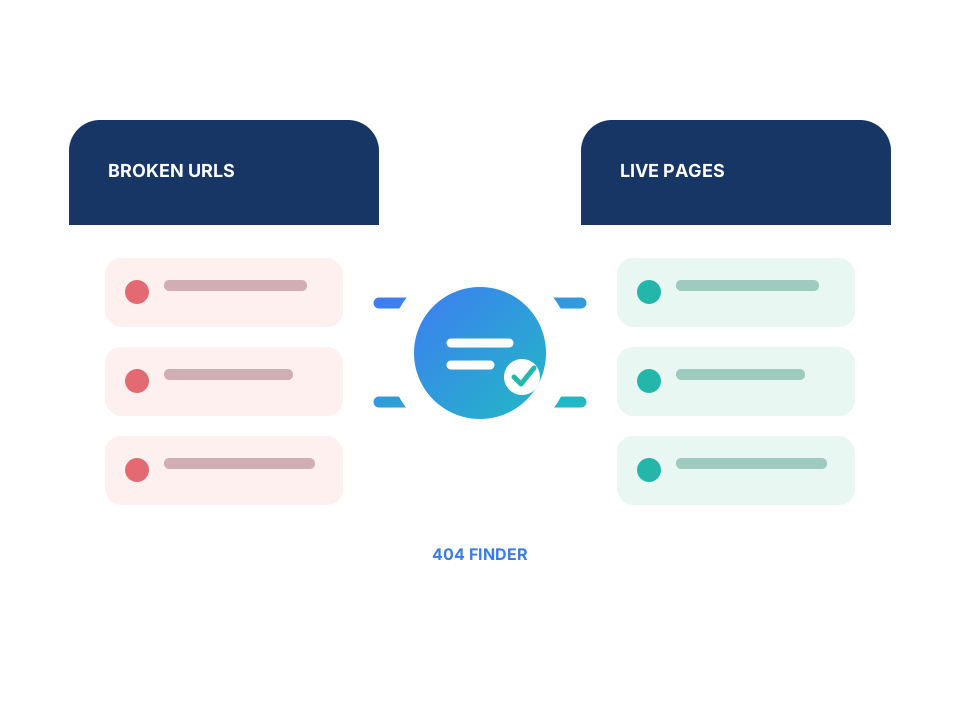
Reliable input
Combine the broken URLs you want to recover with a current set of pages that can receive those visitors.
Paste a list or upload 404 pages from CSV or Excel.
Use a project crawl, XML sitemap or uploaded URL file.
Check the old and live inventories before the matching run starts.
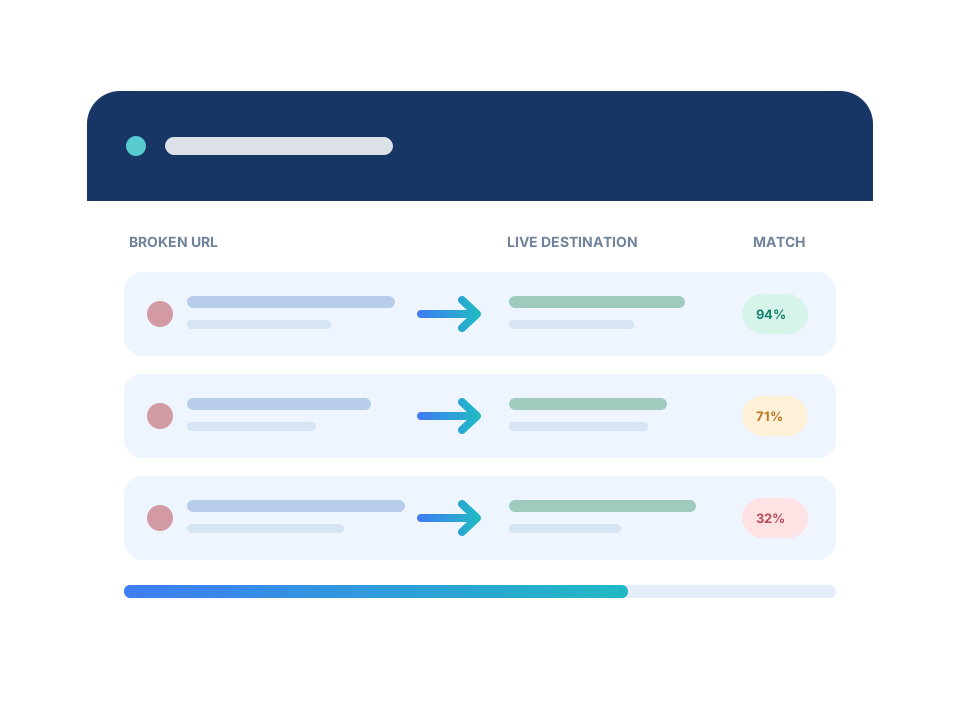
Replacement review
The 404 Finder suggests live destinations and keeps the evidence visible so weak replacements do not slip into the redirect plan.
Use the URL matching engine to find live pages with related paths and content.
Review the proposed target, match reasons and confidence for each broken URL.
Use the homepage only when no suitable replacement page exists.
Inside the 404 Finder
Check the suggested live destination, adjust the decision and keep weak or unmatched URLs visible for manual review.
Start the 404 Finder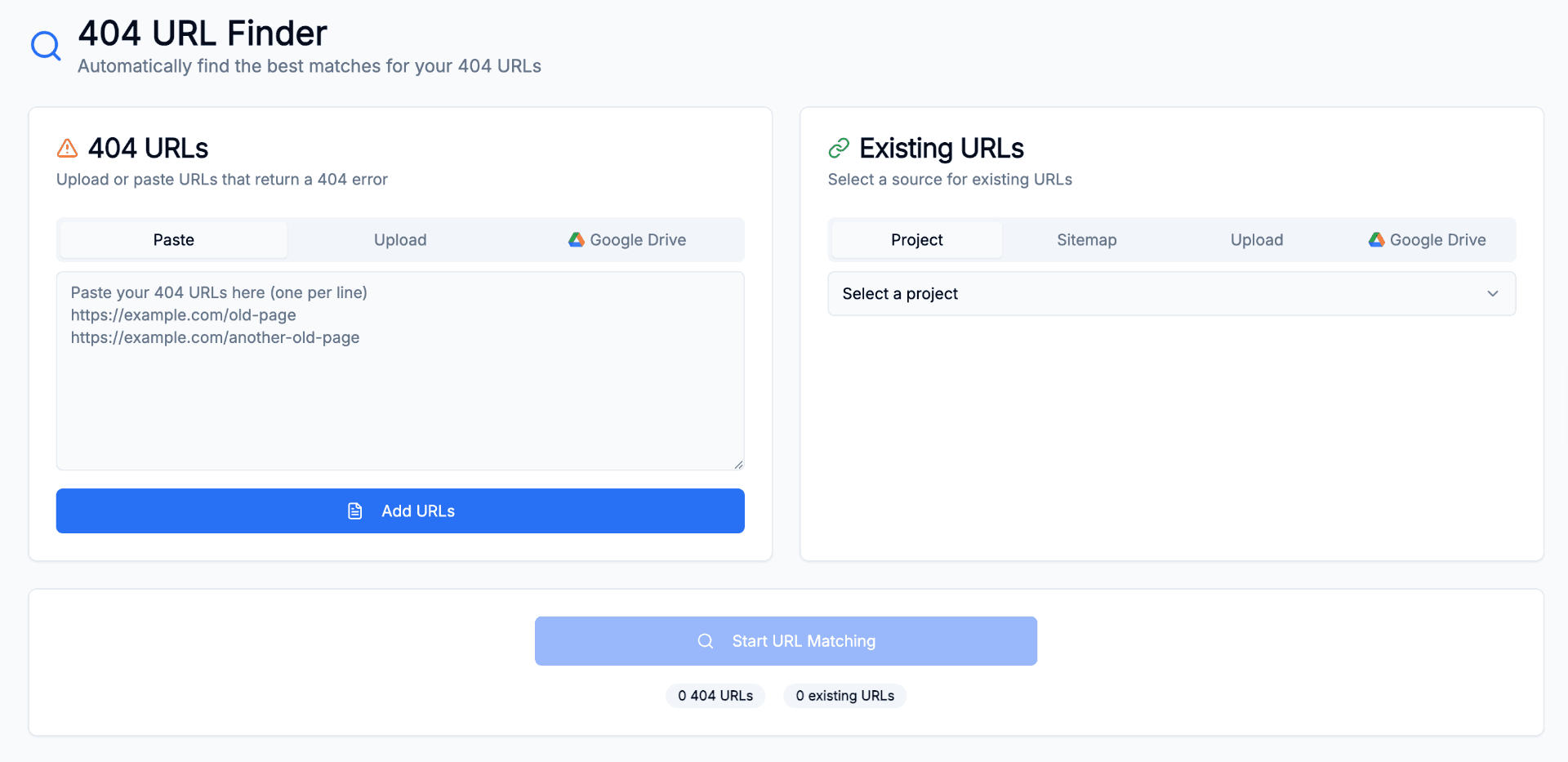
Where it helps
Reconnect externally linked URLs to a relevant live page instead of leaving visitors on an error page.
Find a useful category, successor or related page when a product or article is removed.
Process legacy 404 lists after launch and add missing redirects to the implementation backlog.
FAQ
Paste a list or upload broken URLs from CSV or Excel. The live target list can come from a project crawl, sitemap, CSV, Excel or XML file.
The 404 Finder compares broken URLs with live pages, then shows the suggested target, reasons and confidence for review.
Yes. Provide an XML sitemap URL or a crawled URL list as the target pool.
Low-confidence suggestions remain available for review. Homepage fallback is available as the last resort.
Yes. The matching is language-agnostic and locale-aware.
Bring the 404 list and live pages together, then review each suggested replacement before implementation.