
How often does the crawler run?
Run a project crawl on demand or use the schedule available for your plan.
SEO Projects
Bring crawl snapshots, Google Search Console data, URL Explorer, technical issues and internal link analysis together for one website.








One project history
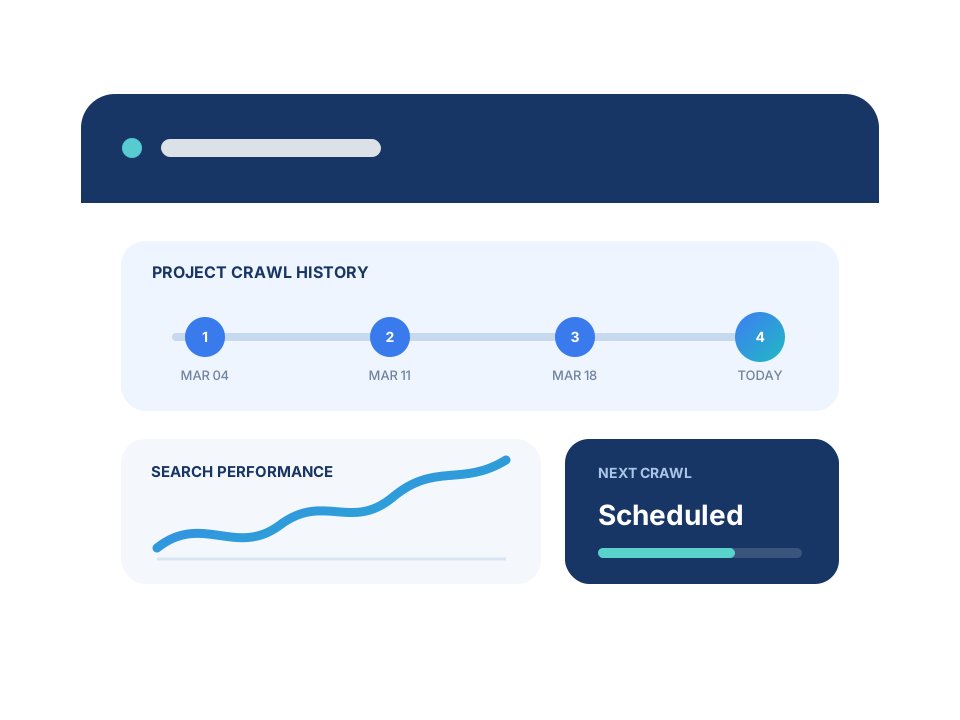
Each project connects the latest crawl with earlier snapshots and search performance for the same domain.
Refresh the site inventory on demand or with the schedule available for your plan.
Use Search Console clicks, impressions and queries alongside crawl data.
Open status, indexability, canonicals, metadata, inlinks and crawl history in URL Explorer.
Focused analysis
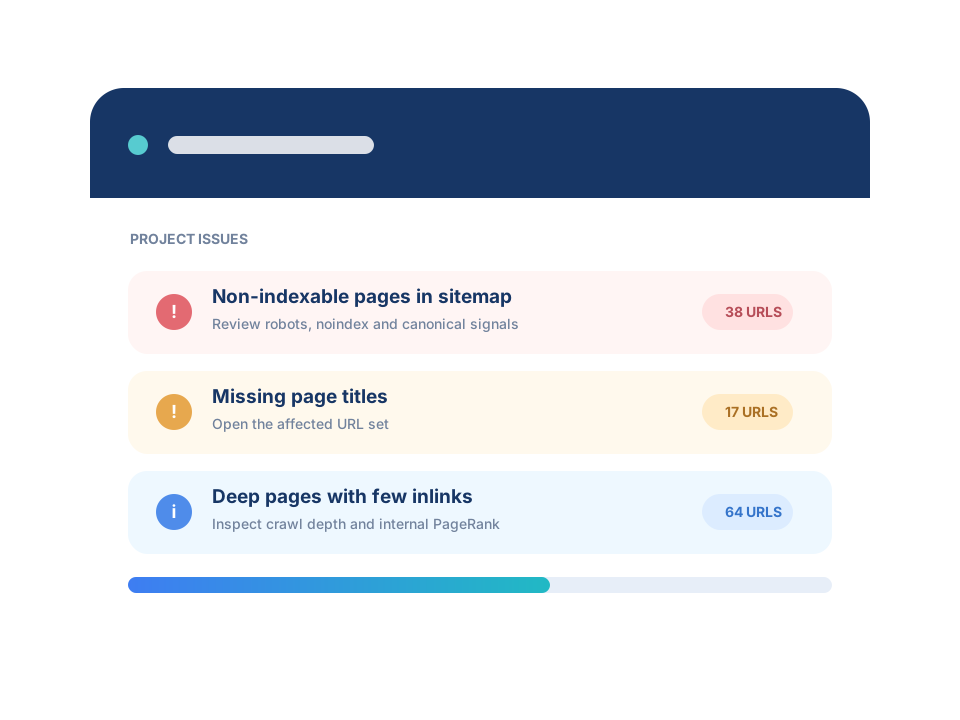
Move from the project overview to the issue group, affected URLs or search signal that deserves investigation.
Group crawlability, metadata, content and structure findings by severity.
Use crawl depth, inlinks and internal PageRank to understand how pages are supported.
Review what appeared, disappeared or changed between project crawls.
Inside SEO Projects
Use the dashboard to find a change, then open URL Explorer, Project Issues or Search Console analysis for the underlying pages.
Create a project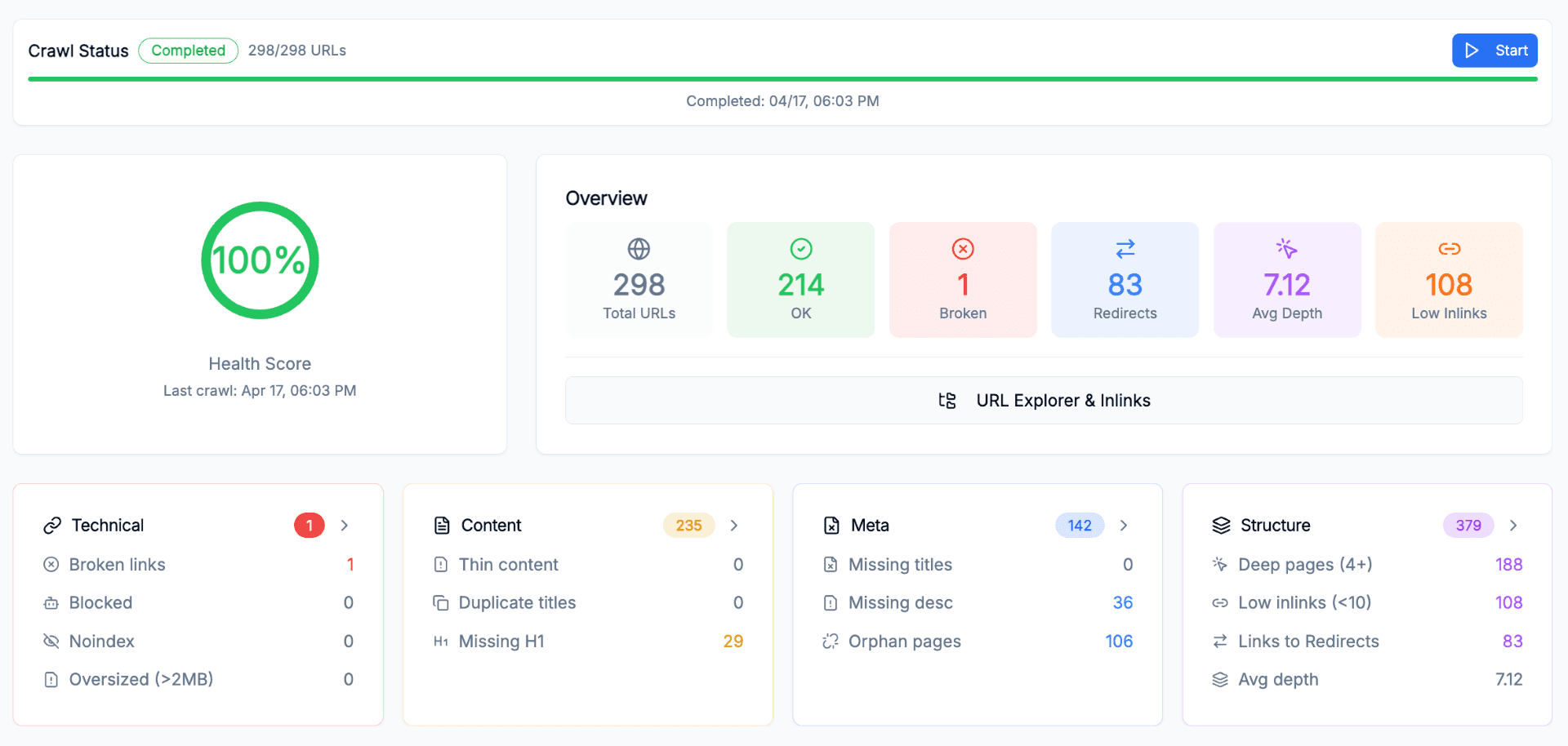
Where it helps
Keep a current technical inventory and a crawl history for one production website.
Return to the same issue groups, URL details and search data instead of rebuilding the audit context.
Continue monitoring URLs, structure and search performance after the launch period ends.
FAQ
Run a project crawl on demand or use the schedule available for your plan.
Yes. The maximum pages per project and available project count depend on your plan.
Technical issues, content issues, meta completeness and site structure each contribute a weighted component.
Yes. Create one SEO Project per site. Crawl data, Search Console data and analysis remain separated by project.
Yes. Project crawls respect robots.txt and use an identifiable user-agent.
Start with one crawl and keep future site changes and search signals connected to the same project.